Top 3 Note Taking Apps in 2026
Discover the Top 3 Note-Taking Apps in 2026 that can transform the way you learn, work, and stay organized. In this guide, we compare Obsidian, Notion, and Joplin, exploring their features, strengths, and ideal use cases. Whether you're a student, developer, content creator, or professional, you'll find the perfect note-taking app to boost productivity and build your own second brain.


Top 3 Note-Taking Apps in 2026: Which One Is Right for You?
In today's fast-paced digital world, staying organized is more important than ever. Whether you're a student taking lecture notes, a developer documenting code, a content creator planning ideas, or a professional managing projects, the right note-taking app can completely transform your workflow.
But with so many options available, choosing the best one isn't easy.
In this guide, we'll compare the Top 3 Note-Taking Apps in 2026—Obsidian, Notion, and Joplin—to help you decide which one fits your needs.
1. Obsidian – Best Overall for Knowledge Management
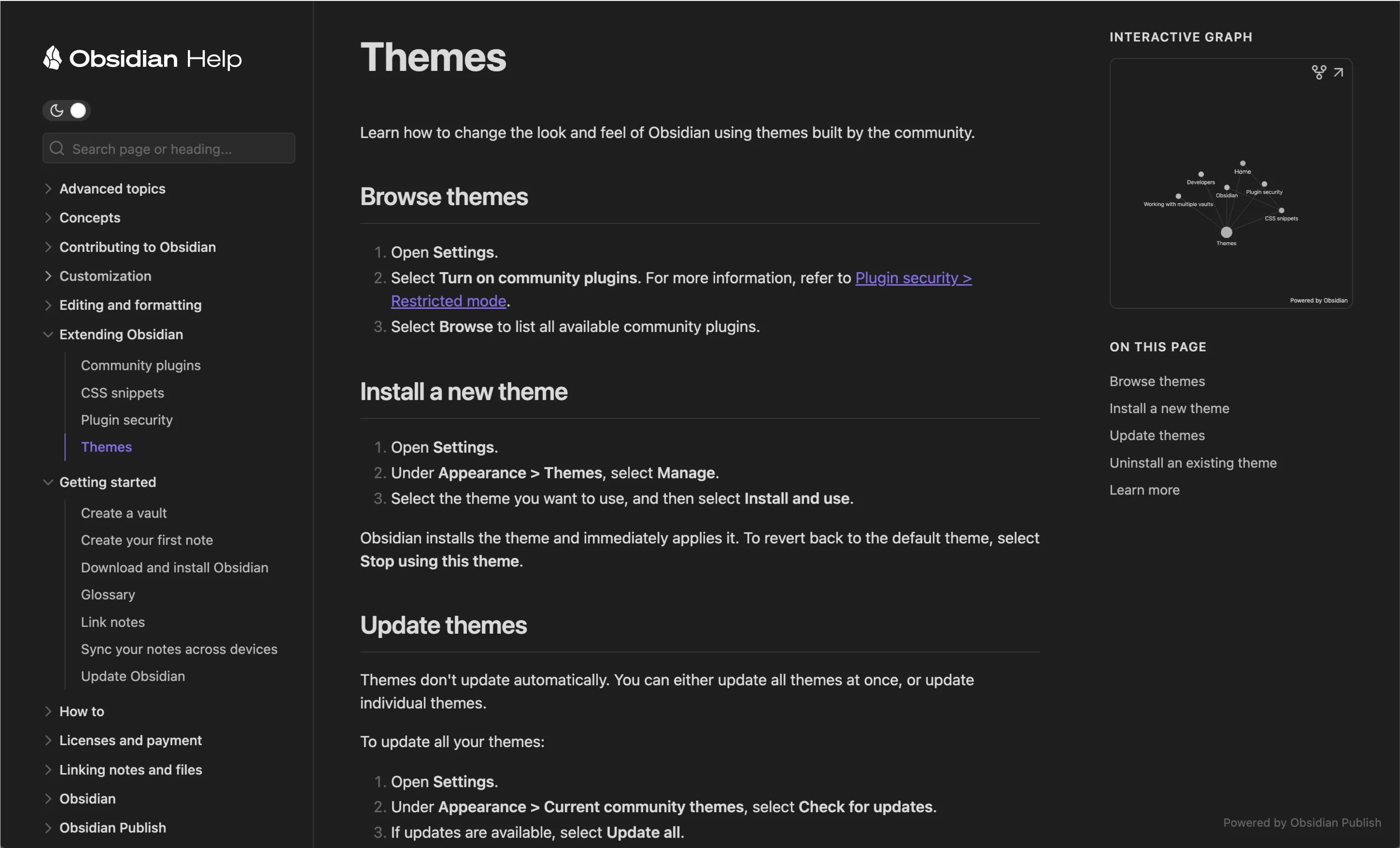
Obsidian is one of the most powerful note-taking applications available today. Unlike cloud-only apps, Obsidian stores your notes as plain Markdown files on your device, giving you full ownership of your data.
Its biggest strength is the ability to connect notes using backlinks, allowing you to build a personal knowledge network often referred to as a Second Brain.
Key Features
Markdown support
Backlinks and bidirectional linking
Graph View to visualize your knowledge
Thousands of community plugins
Offline-first experience
Local file storage
Cross-platform support
Best For
Developers
Students
Researchers
Writers
Lifelong learners
Pros
You own your notes forever
Extremely customizable
Fast and lightweight
Excellent for long-term knowledge management
Cons
Requires some time to learn
Premium sync service is optional
2. Notion – Best All-in-One Productivity Workspace
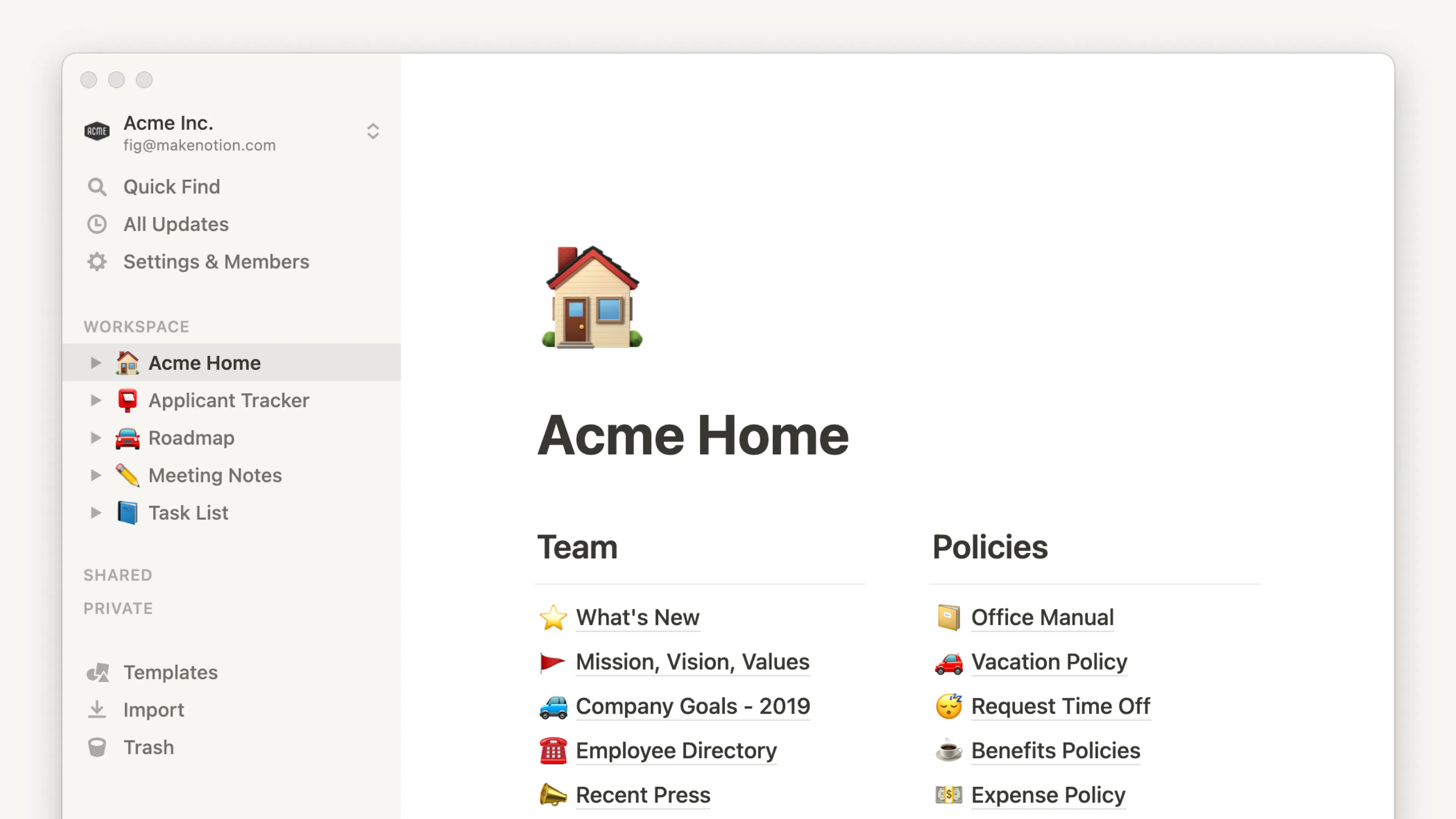
Notion is much more than a note-taking app. It combines documents, databases, calendars, project management, task tracking, and collaboration into one beautiful workspace.
Its flexibility makes it a favorite among startups, students, freelancers, and businesses.
Key Features
Beautiful page editor
Databases
Tables
Kanban boards
Calendar views
AI features
Collaboration tools
Templates
Best For
Teams
Students
Project managers
Content creators
Business owners
Pros
Modern interface
Great collaboration
Powerful organization tools
Huge template library
Cons
Requires an internet connection for the best experience
Large workspaces may feel slower
3. Joplin – Best Free & Open-Source Note App
If privacy is your priority, Joplin is one of the best choices available.
It is completely open source and supports end-to-end encryption, ensuring your personal information stays secure.
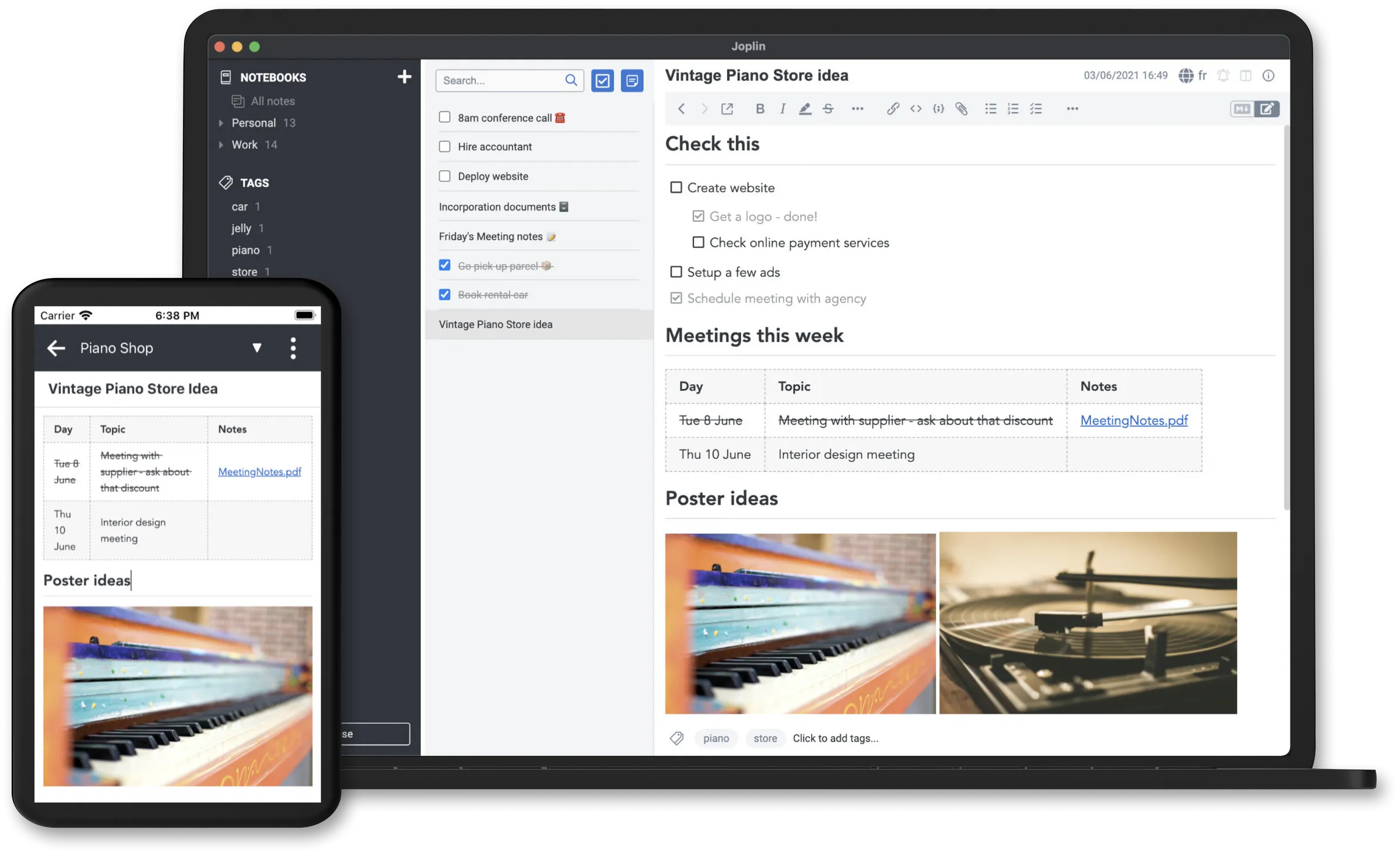
Joplin also supports Markdown, synchronization, notebooks, and tags while remaining lightweight and completely free.
Key Features
Open source
End-to-end encryption
Markdown editor
Cross-device synchronization
WebDAV & Nextcloud support
Offline support
Best For
Privacy-conscious users
Linux users
Open-source enthusiasts
Anyone wanting a free solution
Pros
Completely free
Secure
Lightweight
Great Markdown support
Cons
Smaller plugin ecosystem
Interface isn't as polished as competitors
Comparison
Feature | Obsidian | Notion | Joplin |
|---|---|---|---|
Offline Support | ✅ | Partial | ✅ |
Markdown | ✅ | Partial | ✅ |
Collaboration | Limited | Excellent | Limited |
Open Source | ❌ | ❌ | ✅ |
Privacy | Excellent | Good | Excellent |
Customization | Excellent | Good | Moderate |
Best For | Knowledge Management | Productivity | Privacy |
Which App Should You Choose?
Choose Obsidian if you want to build a personal knowledge base that grows with you.
Choose Notion if you need an all-in-one workspace for projects, planning, and collaboration.
Choose Joplin if you value privacy, open-source software, and complete control over your notes.
There is no single "best" note-taking app for everyone. The right choice depends on how you work and what features matter most to you.
Final Thoughts
The way we manage information has changed dramatically, and using the right note-taking app can save you time, improve your productivity, and help you think more clearly.
Whether you're building a second brain with Obsidian, organizing your life with Notion, or protecting your privacy with Joplin, each of these apps offers something unique.
If you found this guide helpful, be sure to check out our latest articles covering AI tools, productivity software, developer resources, and the best technology apps of 2026.



Comments
0 Comments
Join the conversation