Best Linux Distros for Programming in 2025 (Ranked): Top 6 Developer-Friendly Options
Discover the best Linux distros for programming in 2025. Compare Ubuntu, Manjaro, Arch, Fedora, Pop!_OS, and Kali for developers, DevOps, ML, and cybersecurity.

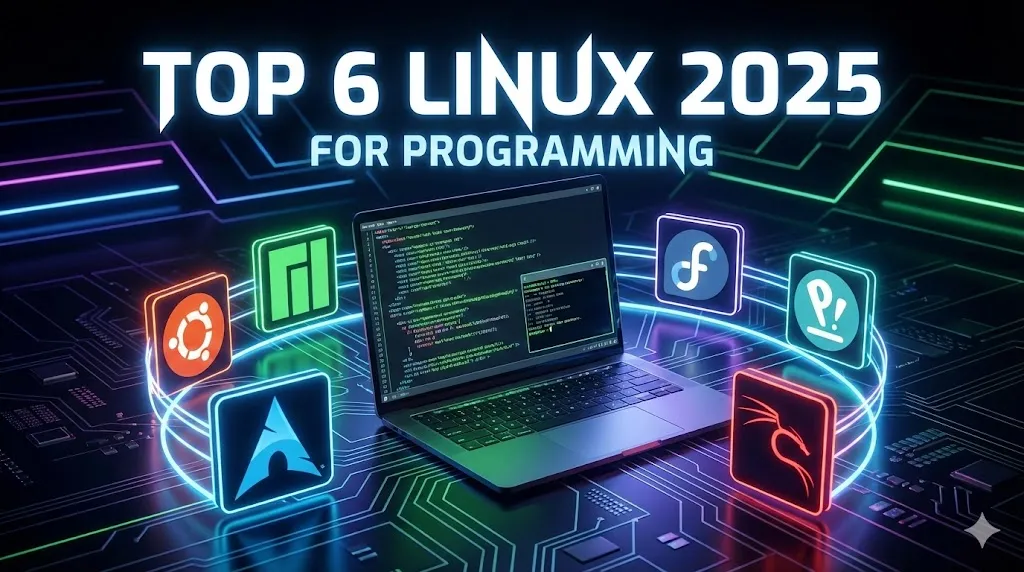
F
Best Linux Distros for Programming in 2025: Top 6 Developer Choices (Full Guide)
Choosing the best Linux distro for programming can drastically improve your workflow, performance, and productivity. In 2025, developers have more options than ever — but not all distributions are equal for coding.
This comprehensive guide ranks the top Linux distros for developers in 2025, explains their strengths, compares features, and helps you find the perfect environment for coding, DevOps, AI/ML, or cybersecurity.
1. Ubuntu — Best Linux Distro for Beginners and General Programming
Ubuntu remains the most widely recommended Linux distribution for new developers and teams that need a stable, well-supported environment.
Why Ubuntu is Ideal for Developers
Supports all major programming languages (Python, JavaScript, Java, Go, Rust)
Compatible with Docker, VS Code, Git, and JetBrains IDEs
Massive community and documentation
Long-Term Support (LTS) releases guarantee stability
Pros
Very easy to install and use
Excellent software availability (APT + Snap)
Strong community and tutorials
Compatible with most hardware
Cons
Snap-based apps may load slowly
Heavier than minimal distros
Best For
Beginner programmers
Backend development
Scripting and automation
Stable production machines
Download: https://ubuntu.com/download
2. Manjaro — Best All-Around Linux Distro for Developers
Manjaro is the perfect balance between stability and cutting-edge tools.
It is an Arch-based rolling release distro, but far easier to install and maintain.
Why Manjaro is Excellent for Programmers
Access to AUR (Arch User Repository), offering thousands of extra packages
More up-to-date than Ubuntu
Smooth package management with Pacman and Pamac
Great hardware compatibility
Pros
Always has the latest libraries and tools
Huge software availability
Fast performance
Multiple desktop options (KDE, Xfce, GNOME)
Cons
Rolling releases may produce occasional bugs
Slightly harder than Ubuntu
Best For
Full-stack developers
Those needing latest frameworks
Game development
Multimedia/graphics programming
Download: https://manjaro.org/download/
3. Arch Linux — Best for Advanced Developers and Customization
Arch Linux is the most customizable Linux distro available.
You build your system from the ground up — giving you total control.
Why Developers Choose Arch
Extremely lightweight and minimal
Complete control over installed packages
Instant access to new software via official repos + AUR
The Arch Wiki is the most detailed documentation in Linux
Pros
Fully customizable
Very fast
Rolling releases always up-to-date
Teaches deep Linux knowledge
Cons
Complex manual installation
Not suitable for beginners
Can require maintenance
Best For
Advanced developers
Performance-critical workloads
Users who want efficiency and control
Learning Linux deeply
Download: https://archlinux.org/download/
4. Fedora — Best for DevOps, Enterprise, and Open-Source Development
Fedora is a professional-grade Linux distribution backed by Red Hat.
It’s a favorite for cloud engineers, DevOps professionals, and open-source contributors.
Why Fedora Is Great for Developers
Ships with the latest stable versions of GCC, Python, Java, etc.
Excellent for container tools: Podman, Docker, Kubernetes
Strong security with SELinux
Clean GNOME interface built for productivity
Pros
Frequently updated
Enterprise-grade reliability
Great for cloud-native development
Strong security focus
Cons
Some proprietary programs require additional setup
Smaller community than Ubuntu
Best For
DevOps engineers
Backend and enterprise developers
Cloud-native development
Contributors to open-source software
Download: https://getfedora.org
5. Pop!_OS — Best Linux Distro for Productivity, AI, and Machine Learning
Pop!_OS, created by System76, is built to maximize developer efficiency with minimal configuration.
Why Pop!_OS Is Popular with ML and AI Engineers
Integrated tiling window manager boosts productivity
Excellent GPU support (NVIDIA/AMD)
Smooth, clean UI
Great out-of-the-box experience for ML tools
Pros
Very intuitive and fast
Excellent hardware support
Modern, clean user interface
Great for multitasking and ML workloads
Cons
Smaller ecosystem
Less customizable than Arch-based systems
Best For
AI and ML developers
GPU-intensive tasks
Developers who want productivity-oriented workflows
Download: https://pop.system76.com/
6. Kali Linux — Best Linux Distro for Cybersecurity and Pentesting
Kali Linux is designed specifically for cybersecurity professionals.
It includes hundreds of penetration testing and digital forensics tools preinstalled.
Why Kali is Ideal for Security Developers
Comes with Nmap, Metasploit, Burp Suite, Wireshark, Aircrack-NG, John the Ripper, and more
Rolling release keeps tools updated
Built specifically for network security and ethical hacking
Pros
Massive collection of security tools
Rolling release
Highly customizable
Cons
Not intended for general programming
Can overwhelm beginners
Requires cybersecurity knowledge
Best For
Ethical hackers
Penetration testers
Security researchers
Developers building cybersecurity tools
Download: https://www.kali.org/get-kali/
Which Linux Distro Should You Choose? (Simple Recommendation)
Use Case | Recommended Distro |
|---|---|
Beginners | Ubuntu |
Best productivity | Pop!_OS |
Rolling release + newest tools | Manjaro |
Full customization | Arch Linux |
DevOps / Cloud | Fedora |
Cybersecurity | Kali Linux |
Quick Comparison Table: Best Linux Distros for Developers (2025)
Distro | Best For | Release Type | Difficulty | Key Advantage | Download |
|---|---|---|---|---|---|
Ubuntu | Beginners, backend, scripting | LTS fixed release | Easy | Most supported ecosystem | |
Manjaro | Full-stack, modern tools | Rolling | Medium | Arch power, easy setup | |
Arch Linux | Advanced developers | Rolling | Hard | Fully customizable | |
Fedora | DevOps, enterprise, open source | Frequent fixed | Medium | Strong cloud & container tools | |
Pop!_OS | AI, ML, productivity | Fixed | Easy | Best GPU support + tiling | |
Kali Linux | Cybersecurity & pentesting | Rolling | Medium | Preinstalled security tools |
What is the best Linux distro for programming in 2025?
Manjaro and Ubuntu are considered the best distros for most developers. Manjaro is ideal for modern tools and rolling updates, while Ubuntu is stable and beginner-friendly.
Which Linux distribution is best for full-stack development?
Manjaro is preferred for full-stack development because of its access to the AUR and up-to-date packages.
What Linux distro is best for machine learning?
Pop!_OS is the top choice due to its strong GPU support and polished performance for ML/CUDA workflows.
Which Linux distro is best for DevOps?
Fedora is ideal for DevOps engineers because it works well with Docker, Kubernetes, and cloud-native tools.
Is Ubuntu still good for programming?
Yes. Ubuntu remains the most stable, easy-to-use, and well-supported Linux distro for all types of programming.best linux distro for programming 2025
linux for developers
linux distro for coding
ubuntu vs manjaro vs arch
developer-friendly linux
best OS for programming
linux for machine learning
linux for devops
linux for cybersecurity
pop os vs fedora
Each distribution excels in a different area, so the right choice depends on your workflow, experience level, and development needs.



Comments
0 Comments
Join the conversation